Understanding Header Tags

Header Tags are small pieces of HTML code. They help organize a webpage.
Related glossary terms: Meta Description, Schema Markup, Search Intent.
Think of them like an outline. The H1 tag is the title. H2 tags are main sections.
H3 tags are subsections. They go under H2 tags. This goes down to H6.
This helps readers and search engines. They can quickly see what a page is about.
A recipe page might use an H1 for the dish name. H2 tags can list ingredients.
H2 tags can also show instructions. H3 tags may give tips or variations.
Header Tags can make text look bigger or bolder. But that's not their main job.
Their real job is to show what's important. They tell search engines which parts matter most.
A page without Header Tags is like a book without chapters. It's harder to read and understand.
Most website tools like WordPress help you add them. You don't need to write HTML code.
How Header Tags Work?
Header Tags show which parts of a page are most important. The H1 tag is for the main topic.
Each page should have only one H1. H2 tags break the content into big sections.
H3 to H6 tags show smaller topics. They go under the bigger tags.
Search engines like Google read these tags. They use them to understand the page.
An H2 tag might say "Benefits of Yoga." An H3 tag under it could say "Improved Flexibility."
Header Tags use simple HTML code. They look like <h1>Main Title</h1>.
They don't boost rankings like keywords do. But they help search engines understand the page.
Pages with good Header Tags often rank better. They are easier to read and understand.
Screen readers use them too. They help people who can't see well navigate the page.
- H1: Main topic (one per page)
- H2: Major sections (multiple allowed)
- H3-H6: Subsections (nested under higher-level tags)
Why Header Tags Matter?
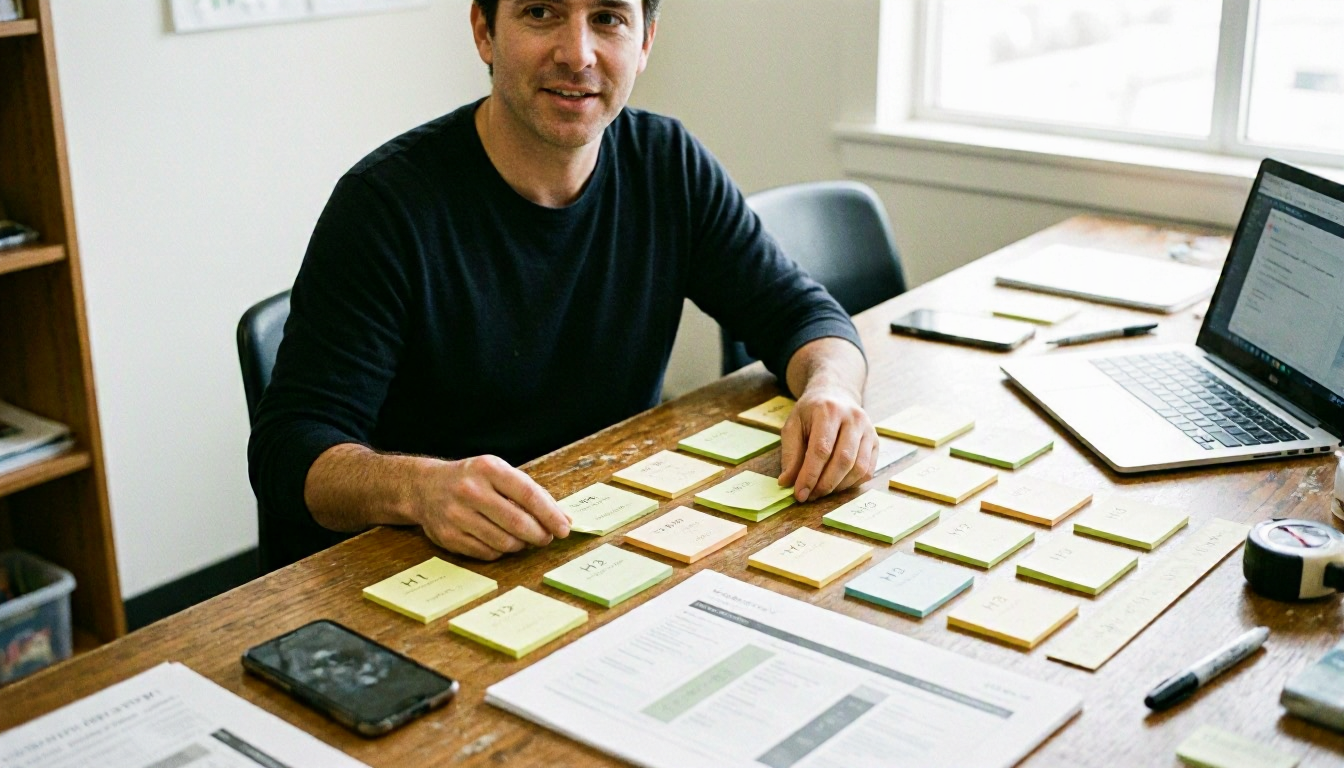
Header Tags help both readers and search engines. They make pages easier to read and understand.
Clear headings help people scan long text. This keeps them on the page longer.
Search engines use Header Tags to know what the page is about. This helps them rank the page.
A well-organized page with good tags ranks better. It shows the page is clear and helpful.
Header Tags can also help in search results. Google may use them to show quick answers.
These quick answers are called featured snippets. They show up at the top of search results.
If someone searches "how to change a tire," Google might use an H3 tag. It could say "Step 3: Loosen the Lug Nuts."
This can bring more visitors to your page. Header Tags are a small but powerful tool.
When Header Tags Matter Most?
Header Tags help when making content for search engines. They also help many different readers.
Long articles or guides need them most. They break up big blocks of text.
A 2,000-word guide on gardening is hard to read without them. H2 tags can show "Choosing the Right Soil."
They can also show "Watering Best Practices." This makes the guide easier to read.
Header Tags matter in competitive industries. They help pages stand out.
Pages for "best running shoes" use them. They show different features and answers.
Websites for mobile users need them too. They make text easier to read on small screens.
Local businesses use them for local searches. They can show service areas or business hours.
They can also show answers to common questions. This helps with local SEO.